







FairRepairGuide
Explore Guides
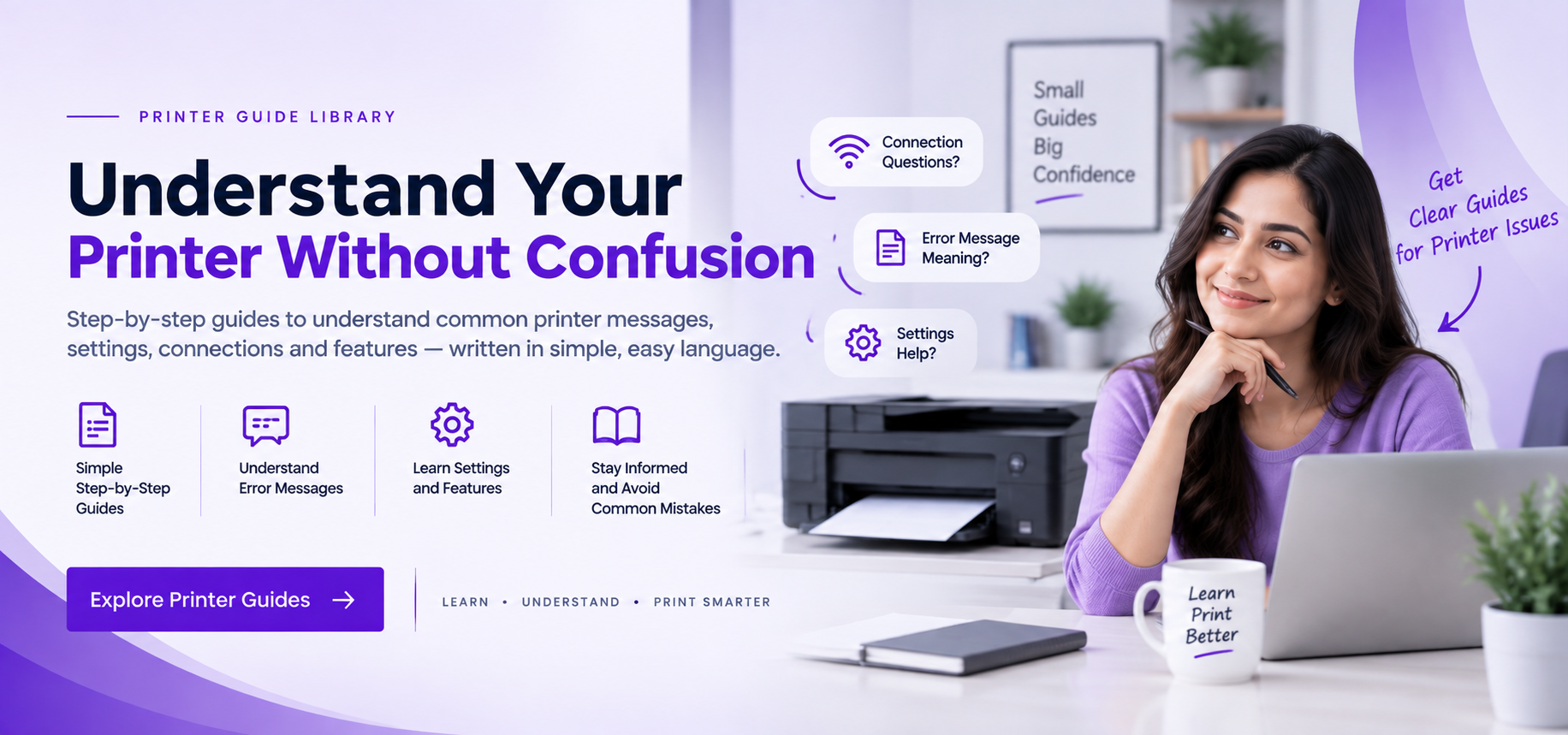
Printer guides banner
01
What We Provide Free step-by-step reading guides for printers
02
Topics Covered Offline status, print queues, drivers & Wi-Fi
03
Easy Instructions Simple visual steps anyone can follow
04
100% Safe & Free No phone calls, remote logins, or paid fees
Printer Guide Library

Choose a Topic. Learn It Clearly.

Simple educational guides for common printer messages, settings, connections, print output, and related topics.

Printer Educational Guides
Browse All Guides
How to Fix: When Your Printer Shows Offline Status 01
Status & Connection

How to Fix: When Your Printer Shows Offline Status

Learn what causes offline alerts, how to restore dropped connections, and verify IP port settings.

Why Print Jobs Get Stuck: How to Fix Spooler Queue 02
Service & Memory

Why Print Jobs Get Stuck: How to Fix Spooler Queue

Understand why print jobs get stuck in queue and how to restart the Windows Spooler service safely.

What Is a Printer Driver & How to Fix Missing INF Files 03
Driver & Setup

What Is a Printer Driver & How to Fix Missing INF Files

Learn how printer drivers and virtual USB ports communicate, and how to resolve driver unavailable alerts.

How to Connect & Share Your Printer Over Wi-Fi & LAN 04
Wireless & LAN

How to Connect & Share Your Printer Over Wi-Fi & LAN

Discover how to find wireless printers on local networks, assign static IPs, and share across PCs.

Why Printer Only Prints Blank Pages & How to Fix Output 05
Hardware & Ink

Why Printer Only Prints Blank Pages & How to Fix Output

Diagnose blank sheet printing, dried ink nozzles, clogged printheads, and protective cartridge tape.

How to Reset Your Printer & When to Perform NVRAM Clear 06
Hardware & Reset

How to Reset Your Printer & When to Perform NVRAM Clear

Understand what factory reset and NVRAM memory purging do, and when to use hardware resets.

What Does Code 28 Mean in Device Manager & How to Resolve It 07
System & Diagnostic

What Does Code 28 Mean in Device Manager & How to Resolve It

Understand yellow exclamation marks, Code 28 driver missing errors, and hardware ID checks in Windows.

How to Fix: When USB Printer Is Not Recognized in Windows 08
Port & Hardware

How to Fix: When USB Printer Is Not Recognized in Windows

Learn how Windows identifies directly attached USB devices and how to route virtual printing ports properly.

Browse the complete library for more printer learning topics and explanations.

Explore Guide Library
How the Guides Work

Learn Printer Topics in 3 Simple Stages.

A straightforward reading flow that helps you choose a topic, understand the explanation, and continue to related printer guides.

Independent educational library Built for self-guided reading with clear, everyday language.
01
Choose the Topic

Choose Your Printer Topic

Start with the printer message or topic you want to understand, such as offline status, print queues, or driver information.

Start with the right guide
02
Read the Guide

Read the Guide in Order

Read clear explanations and step-by-step learning notes written in simple, everyday language.

Clear educational guidance
03
Review the Topic

Review What You Learned

Use the guide summary and related topics to review the printer setting, message, or feature you explored.

Continue to related topics
Latest Printer Articles

Read More About Everyday Printer Topics.

Browse clear educational articles about printer settings, connections, print output, resets, and related topics.

View All Articles
 
About the Learning Library

Printer information made simpler to explore.

Printer learning guide library
Independent LearningClear printer information for everyday readers.

A focused place for understanding everyday printer topics.

Our articles explain printer status messages, setup terms, network connections, print output, and device settings in straightforward language.

Plain LanguageEasy wording with less unnecessary jargon.
Clear StructureTopics arranged in a simple reading order.
Printer FocusedGuides centered on everyday printer learning topics.
Free to ReadOpen educational articles without a paid membership.
01

Clear for Beginners

Each topic is written in simple language so printer messages, settings, and common terms are easier to understand.

02

Learning Comes First

Our guides focus on understanding printer messages, settings, connections, and everyday device topics.

03

Open & 100% Free to Read

Browse the learning library without creating an account or paying to read the educational articles.

Frequently Asked Questions

A few things to know before you start reading.

No. Find Your Guide is an independent guide website. We write step-by-step guides for printer setup and errors. We do not provide phone calls, remote computer access, paid driver downloads, or repair services.

Reference: Microsoft Learn

You can explore beginner-friendly guides about printer offline status, print spooler errors, stuck document queues, driver unavailable alerts, USB detection, Wi-Fi printer setup, local network printer sharing, blank page issues, and factory resets.

Reference: Microsoft Support

Printer offline status usually means Windows has lost the active communication path to the printer. This can be caused by dynamic IP address changes on Wi-Fi routers, paused print queues, loose USB cables, or SNMP status query mismatches in printer port settings.

Reference: Microsoft Support

When a corrupt document blocks the print queue, Windows refuses to process any new print tasks. Stopping the Print Spooler service allows deleting temporary files stored in the System32\spool\PRINTERS folder, instantly unfreezing the queue.

Reference: Microsoft Learn

No. All our educational guides explain built-in Windows features and standard manufacturer procedures. We do not sell software, require payment, or ask for sensitive system access.

Reference: Manufacturer Standards